



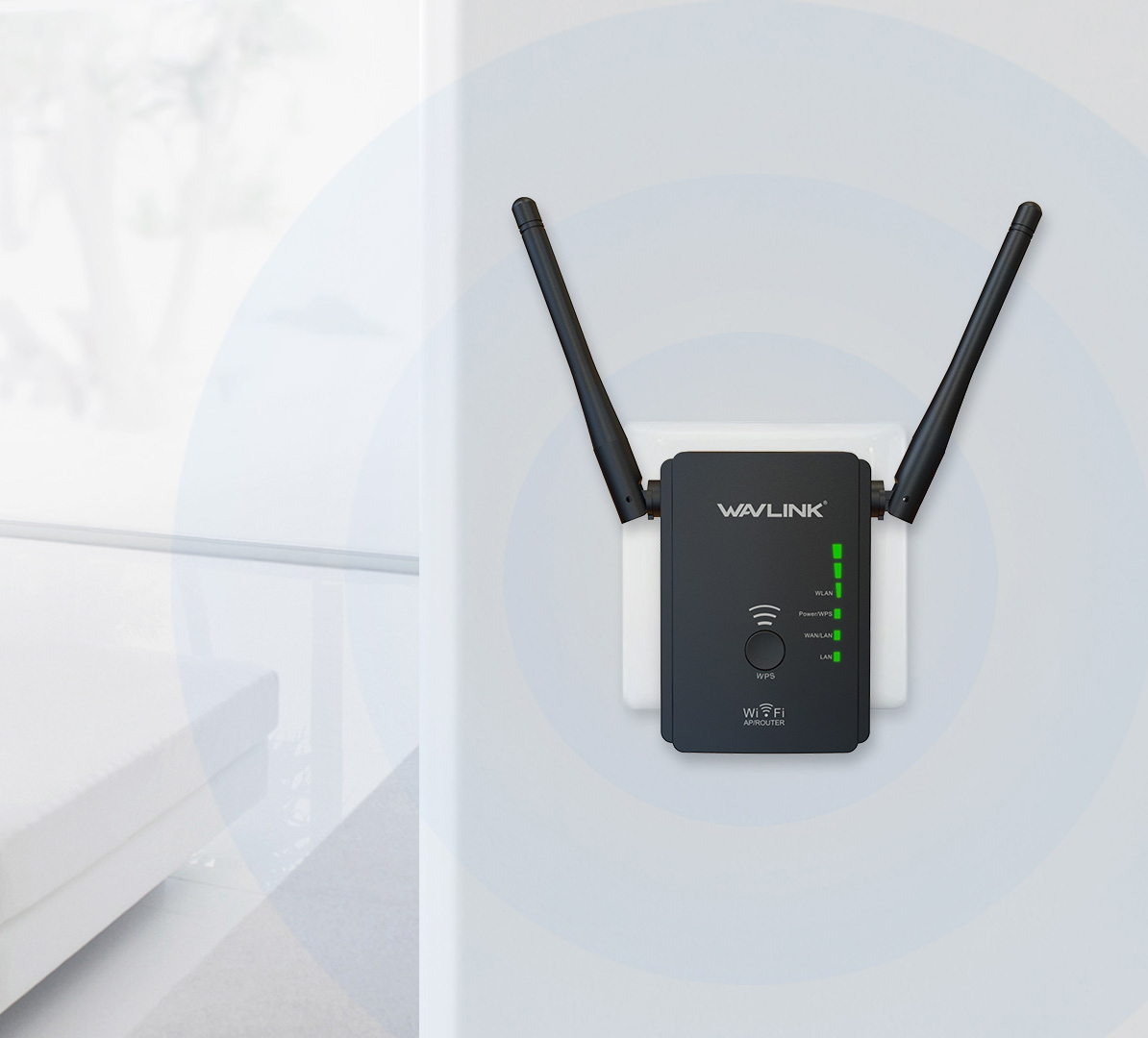
If your wavlink router is giving slow internet or cuts down WiFi more than often, it is a problem that can become a headache. So, try fixing the issues with the tips we are giving you below.
Check the Wi-Fi Settings
We are telling you to check the settings of your WiFi network, You can do it on either your windows or MacOS. If you are looking for the icons on the MacOS they are at the top right corner. Open system prefrences on your Mac, After opening Preferences> now open Network > finally open Advanced networks and as a result uncheck all the networks you don’t want, in the Auto – Join column.
In windows the icons are in the bottom right corner. Therefore, touch the corner and be assured you touch the proper SSID while using the accurate Password. It is easy for Windows users by connecting to the priority network; by just clicking right on the network now select Forget and you are done.
If you are a windows user and still facing issues in connecting to the correct networks. Windows can help you in diagnosing the issue. Right-click on the network icon in your system tray and select Troubleshoot problems to run the Windows Network Diagnostic routine. As an alternate, you can go to wifi.wavlink.com to check your WiFi settings.
Check Your Connection on Different Devices
There are more than a million users facing a slow internet connection issue, as above we have given a number of examples. To narrow down the path, you have to check how many devices are running on your network. If you have too many devices accessing your WiFi, disconnect those that doesn’t require WiFi at the moment. In other words, you should limit the devices using your network.
Reset The Connection
Reset your internet connection, it might help in solving the slow internet problem. Firstly, you have to turn off your computer. Then turn the modem and wireless router off. Now again turn the modem and router on after a while. Later on, restart the computer as well. However, this step was not that tough in performance but in the meantime, you can also take help from other resources to easily fix the issue.
Issues With Your Computer
Sometimes it is not even the fault of the Wi-Fi router or the broadband connection or your service provider, but your computer or the device in which you are using the internet. If the computer is not getting the internet, you must be cautious of internet Worms and Malware as once they enter your computer, they will slow down both your system as well as your internet speed. Clean your computer or device once, close all background apps and then again check the internet speed.
If the issue still exists, call or mail the ISP customer care team to raise the complaint and book a visit.
Check Wireless Connection
Ensure that the computer is in connection with the Ethernet wire, for performance reasons, markedly if there isn’t any reason for what you are exactly doing. Because this wire connection is the closest system where variables can be controlled. In addition, Wireless is however an open system and the environment is constantly changing, so is the performance of the router with that. You can also check
Hope we are able to provide good information, for more keep reading the article.
Your Router Should be of High Quality
Make sure the router should be of high quality. As the services will get compromised in a cheap router. And it also does not perform well. Less memory and less CPU space is key to a cheaper router. Which in the long run keeps you irritated and unhappy as you will not get the best speed. An expensive router has a sign that it is mostly heavy in weight.
Conclusion
In the above article we have given a number of ways to resolve issues regarding slow internet. But if you think you are not able to fix the communication gap of both devices, let us know your problem in the comments below.
Read More: wavlink extender setup
Table of Contents

