



Leads come in, but someone forgets to follow up. Deals sit in the wrong stage. Sales reps don’t know who to call next. Opportunities go cold—not because the offer is weak, but because the system isn’t doing its job.
This is exactly where GoHighLevel workflows change the game.
When implemented correctly, workflow automation turns your sales pipeline into a living system that moves leads forward automatically, keeps sales teams aligned, and ensures nothing slips through the cracks. And this is why businesses that work with a GoHighLevel agency often outperform those relying on manual processes or partial setups.
This guide walks you through how to automate sales pipelines using GoHighLevel workflows, what to automate, and how to avoid common mistakes.
Why Sales Pipeline Automation Matters
A sales pipeline is not just a visual tracker. It’s a decision engine.
Without automation, pipelines rely on:
- Manual updates
- Memory-based follow-ups
- Inconsistent actions
- Delayed responses
With workflow automation, pipelines become:
- Self-updating
- Behavior-driven
- Time-sensitive
- Conversion-focused
Automation ensures that every lead receives the right action at the right time, regardless of how busy your team gets.
Understanding Sales Pipelines in GoHighLevel
Before automation, your pipeline structure must be clear.
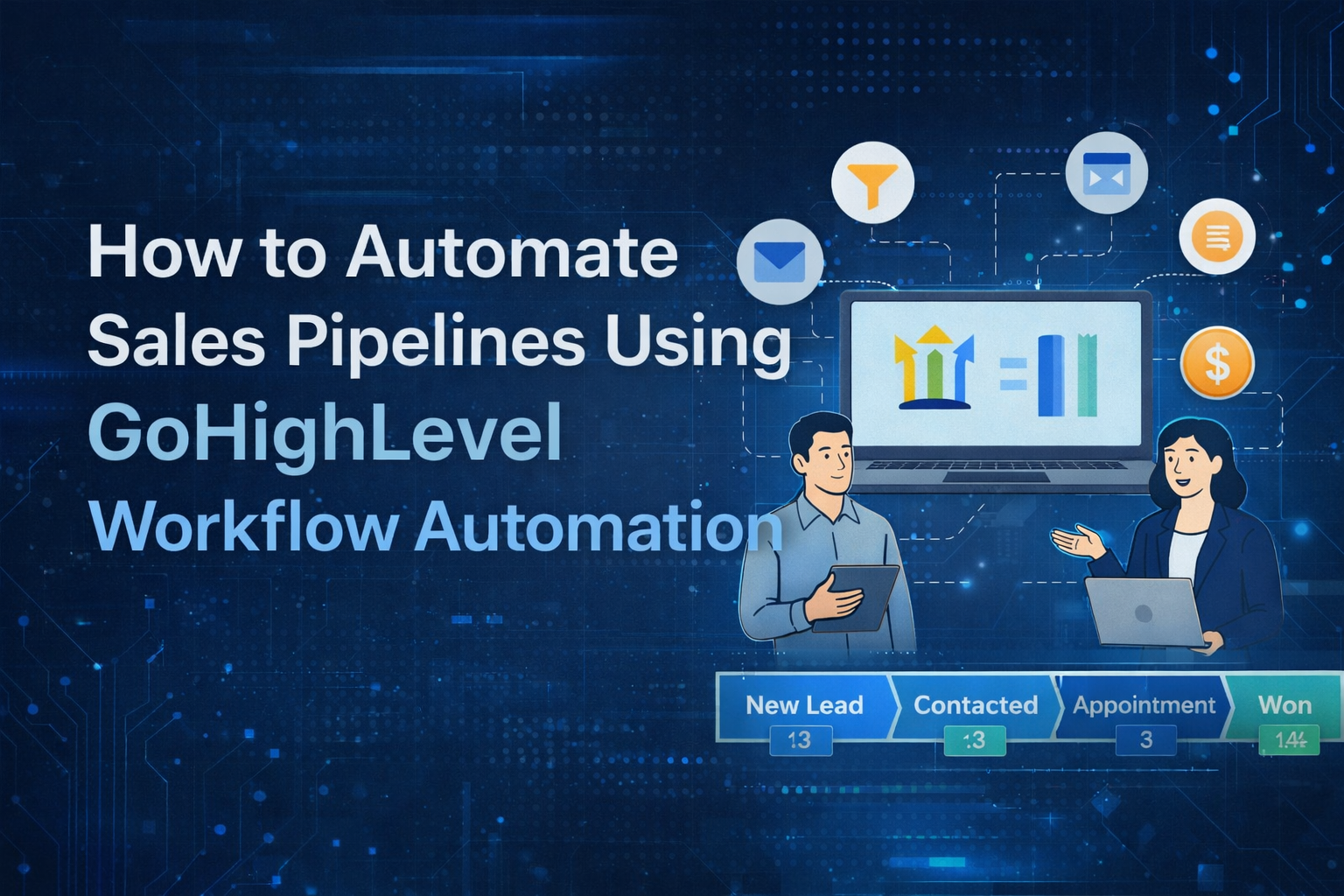
A typical GoHighLevel sales pipeline might include stages like:
- New Lead
- Contacted
- Appointment Booked
- No Show
- Proposal Sent
- Follow-Up
- Closed Won
- Closed Lost
A professional gohighlevel agency will always customize these stages based on how your business actually sells, not generic templates.
Once your pipeline is structured properly, workflows bring it to life.
What Is Workflow Automation in GoHighLevel?
Workflow automation in GoHighLevel allows you to trigger actions automatically when something happens in your CRM.
Examples include:
- A lead enters a pipeline stage
- An appointment is booked or missed
- A tag is added or removed
- A form is submitted
- A deal status changes
Workflows eliminate manual work while maintaining consistency across your entire sales process.
Step 1: Automate Lead Entry into the Pipeline
The first automation should happen the moment a lead enters your system.
Using GoHighLevel workflows, you can:
- Automatically create an opportunity
- Assign it to the correct pipeline
- Set the initial stage
- Assign a sales rep
- Apply tracking tags
This ensures every lead is instantly visible and actionable.
A GHL agency will usually also include round-robin assignment or logic-based assignment depending on location, service, or lead source.
Step 2: Automate Follow-Ups Based on Pipeline Stages
This is where most businesses lose money.
Instead of relying on sales reps to remember follow-ups, workflows handle it automatically.
For example:
- When a lead enters “Contacted,” start a multi-step follow-up
- If no reply after 24 hours, send a reminder SMS
- After 3 days, send a value-based email
- Notify the sales rep if the lead engages
This type of workflow automation dramatically improves response rates and conversions.
Step 3: Automate Appointment-Driven Pipeline Movement
Appointments are a critical sales milestone.
GoHighLevel workflows can:
- Move opportunities to “Appointment Booked” automatically
- Send confirmation messages
- Trigger reminders before the call
- Move deals to “No Show” if the appointment is missed
- Start rebooking sequences automatically
This removes friction and keeps the pipeline accurate without manual updates.
Step 4: Automate Internal Sales Team Notifications
Automation isn’t just for customers—it’s for your team too.
Workflows can:
- Notify sales reps when a deal moves stages
- Alert managers when high-value leads come in
- Trigger tasks for follow-up calls
- Escalate deals that have been inactive too long
A gohighlevel agency designs these workflows to support accountability without micromanagement.
Step 5: Automate Proposal and Post-Call Follow-Ups
After a sales call, momentum matters.
Using workflows, you can:
- Automatically send proposal emails
- Trigger follow-up reminders if proposals aren’t opened
- Move deals to “Follow-Up” stages
- Re-engage cold prospects after a set period
This ensures consistent follow-up without sounding repetitive or robotic.
Step 6: Automate Closed-Won and Closed-Lost Actions
Closing a deal should trigger the next phase instantly.
For closed-won deals:
- Apply customer tags
- Move contact to a client pipeline
- Trigger onboarding workflows
- Notify internal teams
For closed-lost deals:
- Add long-term nurture tags
- Remove sales sequences
- Start reactivation campaigns
Experienced GHL agencies treat post-sale automation as seriously as lead generation.
Advanced Workflow Automation for Sales Pipelines
Once the basics are in place, advanced automation can significantly boost performance.
Examples include:
- Conditional logic based on lead behavior
- Different follow-ups for hot vs cold leads
- Time-based escalations
- Multi-channel sequencing (SMS, email, calls)
- Dynamic pipeline movement
This is where working with a specialized gohighlevel agency often pays off, as these workflows require deeper platform knowledge.
Common Mistakes to Avoid
Many DIY setups fail due to avoidable errors:
- Too many overlapping workflows
- Poorly named pipeline stages
- No exit conditions in workflows
- Automations that don’t stop after conversion
- No testing before launch
A professional GHL agency builds with clarity, testing, and scalability in mind.
DIY vs Hiring a GoHighLevel Agency
DIY automation can work at a small scale. But as volume increases, complexity multiplies.
A GoHighLevel agency offers:
- Proven pipeline structures
- Conversion-focused automation logic
- Clean, scalable workflows
- Faster implementation
- Fewer costly mistakes
For businesses relying on sales pipelines to generate revenue, expert setup is often the smarter long-term decision.
Measuring the Impact of Pipeline Automation
Once your workflows are live, you should track:
- Response time
- Appointment show rates
- Pipeline velocity
- Close rates
- Drop-off points
Workflow automation doesn’t just save time—it provides clarity and predictability.
Final Thoughts
Automating sales pipelines using GoHighLevel workflows is not about removing the human element. It’s about supporting it.
When done right, workflow automation ensures that every lead is handled consistently, every opportunity is visible, and every sales action happens on time.
Whether you’re building internally or working with a trusted gohighlevel agency or GHL agency, the goal is the same: create a sales system that works even when you’re not watching it.
That’s when your pipeline stops being a tracker—and starts becoming a growth engine.
Table of Contents

